
Kimi K3 Context Window: How Much Can Moonshot’s Model Actually Remember?
The context window is the single spec that decides whether an AI model can read your whole project or just a slice of it — and long context is exactly what the Kimi line has been known for since day one. If you want to test that reach yourself, Kimi K3 is Moonshot AI’s newest model, built for long documents, large codebases, and multi-step agent runs.
Moonshot has emphasized long context across the whole Kimi family, and K3 continues that push with a very large window — launch coverage widely cites roughly 1 million tokens (1,048,576). Treat that figure as reported, not guaranteed: the exact, current number lives on Moonshot’s official model card. This guide explains what the window is, how Kimi got here, and how to use it well.

kimik3.pro is an independent, free chat interface and reference site. It is not affiliated with, endorsed by, or operated by Moonshot AI. For official specifications always consult Moonshot’s own documentation.
What is a context window (and why it’s measured in tokens)?
A context window is the model’s short-term memory
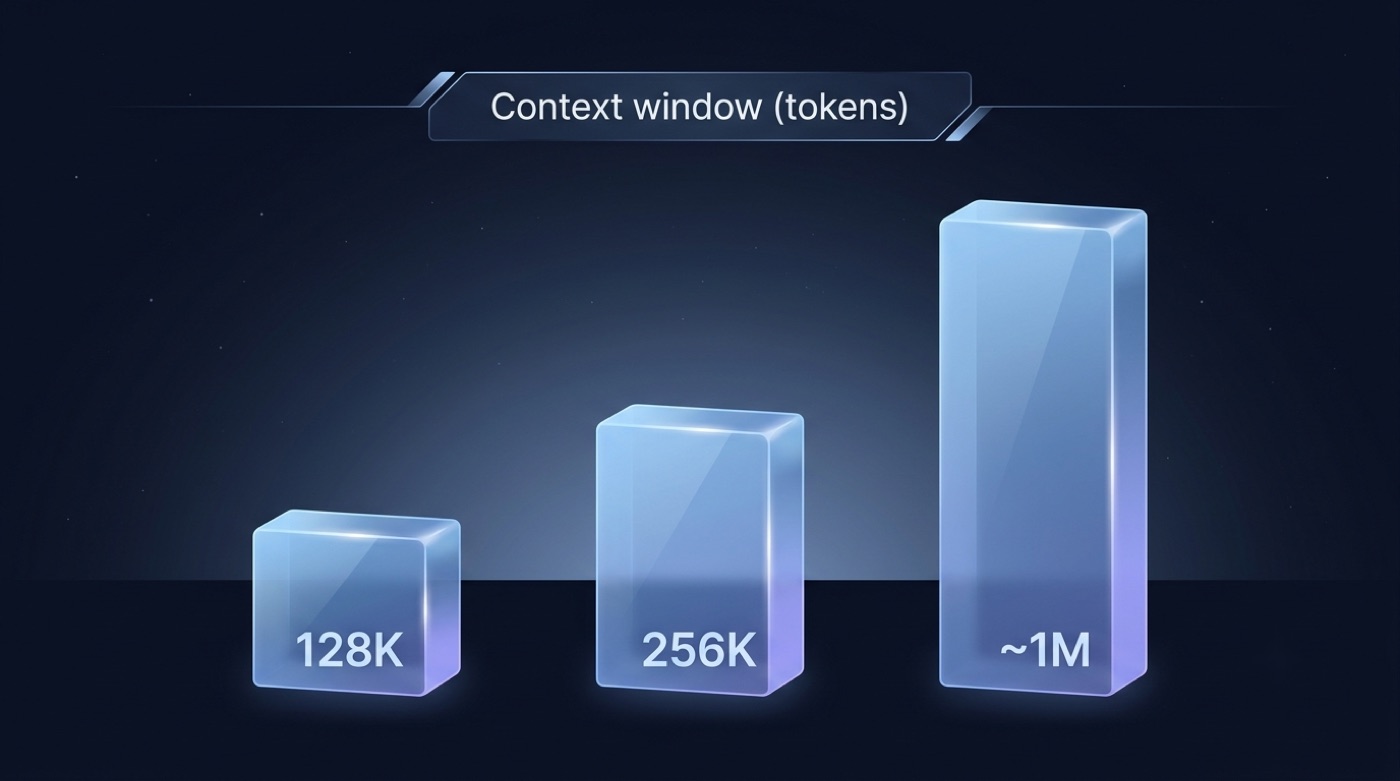
A context window is the maximum amount of text — prompt plus the model’s own reply — that a large language model can consider at once, counted in tokens rather than characters or words. A token is roughly a word-piece; in English, a common rule of thumb puts one token at about 0.75 words. Once a conversation grows past the window, the oldest content falls out of view, and the model won’t “remember” it again unless it’s re-supplied in a later message.
What actually fills the window
Several things share the same token budget, not just the question you type:
- Your prompt or question
- Any files, documents, or code you paste or attach
- The full prior conversation, since each turn adds to the total
- System instructions running quietly behind the interface
- The model’s own generated answer, which draws from the same pool
According to Kimi’s developer documentation, this shared-budget behavior is standard across the model family — input and output are not counted separately.
Tokens to words: a rough sizing table
The table below gives a rough, English-language sense of scale for different window sizes.
| Tokens | Rough English words | Rough sense of scale |
|---|---|---|
| ~1,000 | ~750 words | a short article |
| ~128,000 | ~96,000 words | a full-length novel |
| ~256,000 | ~192,000 words | two novels / a large report set |
| ~1,000,000 (reported K3) | ~750,000 words | a small library / a large codebase |
These conversions are approximate and language-dependent — Chinese characters, for example, tokenize differently than English words, so the same character count can map to a different token count.
How big is Kimi K3’s context window?
At K3’s July 2026 launch, coverage across multiple outlets converged on a context window of about 1 million tokens (1,048,576) — a large jump over earlier Kimi models. That figure is best understood as the maximum supported window as reported at launch, with input and output sharing the same budget; some early reporting put the default max completion around 131,072 tokens, expandable within the larger window. None of this should be treated as an independently confirmed, permanent constant — model cards get updated.
How to confirm the current number yourself
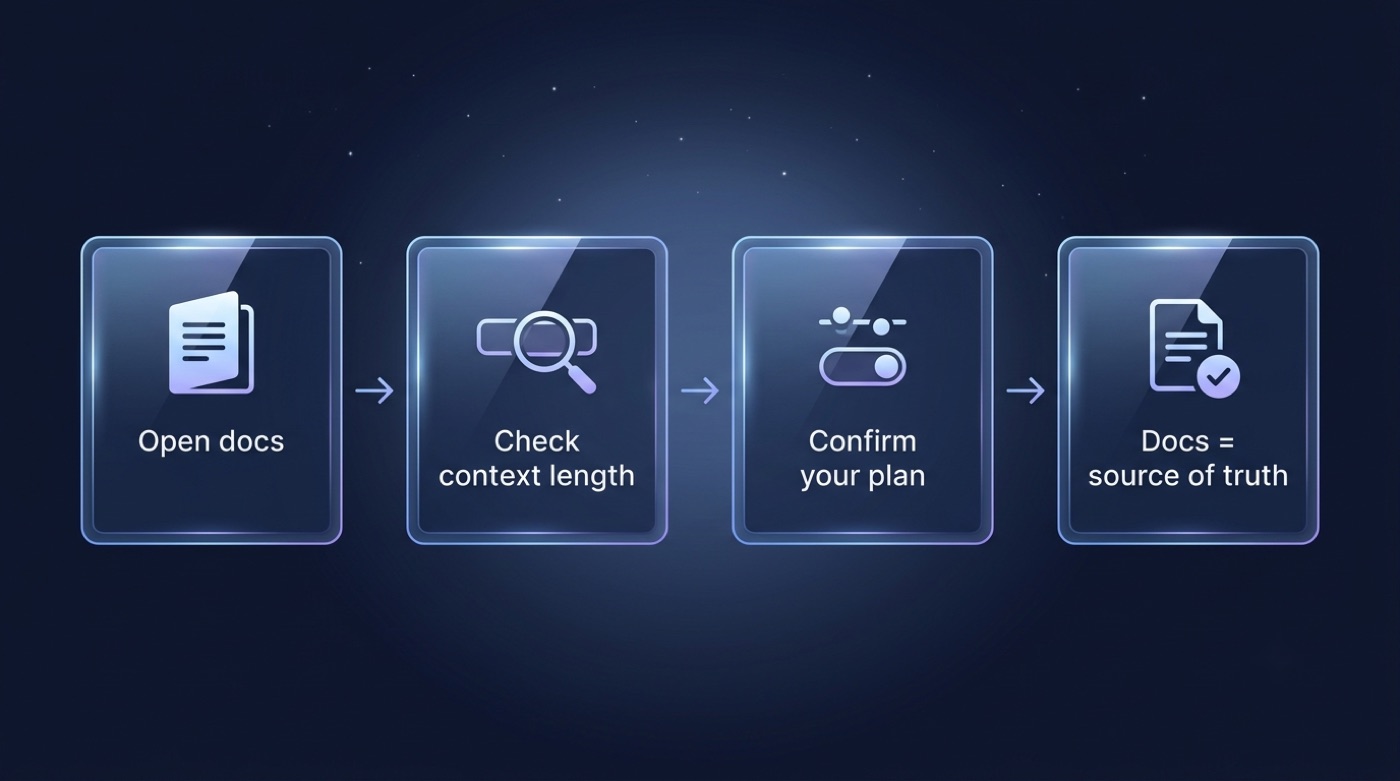
Rather than repeating a number that may have already moved, verify it directly:
- Open Moonshot’s official developer docs and model card at platform.kimi.ai/docs.
- Check the model’s listed
context_lengthor max-tokens field for the exact K3 variant you’re using. - Confirm whether your plan or product — app, API, or Kimi Code — actually exposes the full window.
- Remember the number can change as Moonshot updates the model; the docs, not launch-week articles, are the source of truth.
Numbers move fast in this space. This page reflects launch-window reporting, and the official model card remains the authoritative source for the current figure.
Kimi’s long-context heritage: from 2023 to K3
Long context was Kimi’s signature from launch
According to Wikipedia, Kimi debuted in October 2023 and stood out for handling roughly 200,000 Chinese characters per conversation, which was unusually long for the time. By March 2024, Moonshot said Kimi could take on about 2 million Chinese characters in a single prompt. It’s worth noting the “Chinese characters” framing here differs from the “tokens” framing used for later models — they are not directly interchangeable units.
The K2 era set the token-based baseline
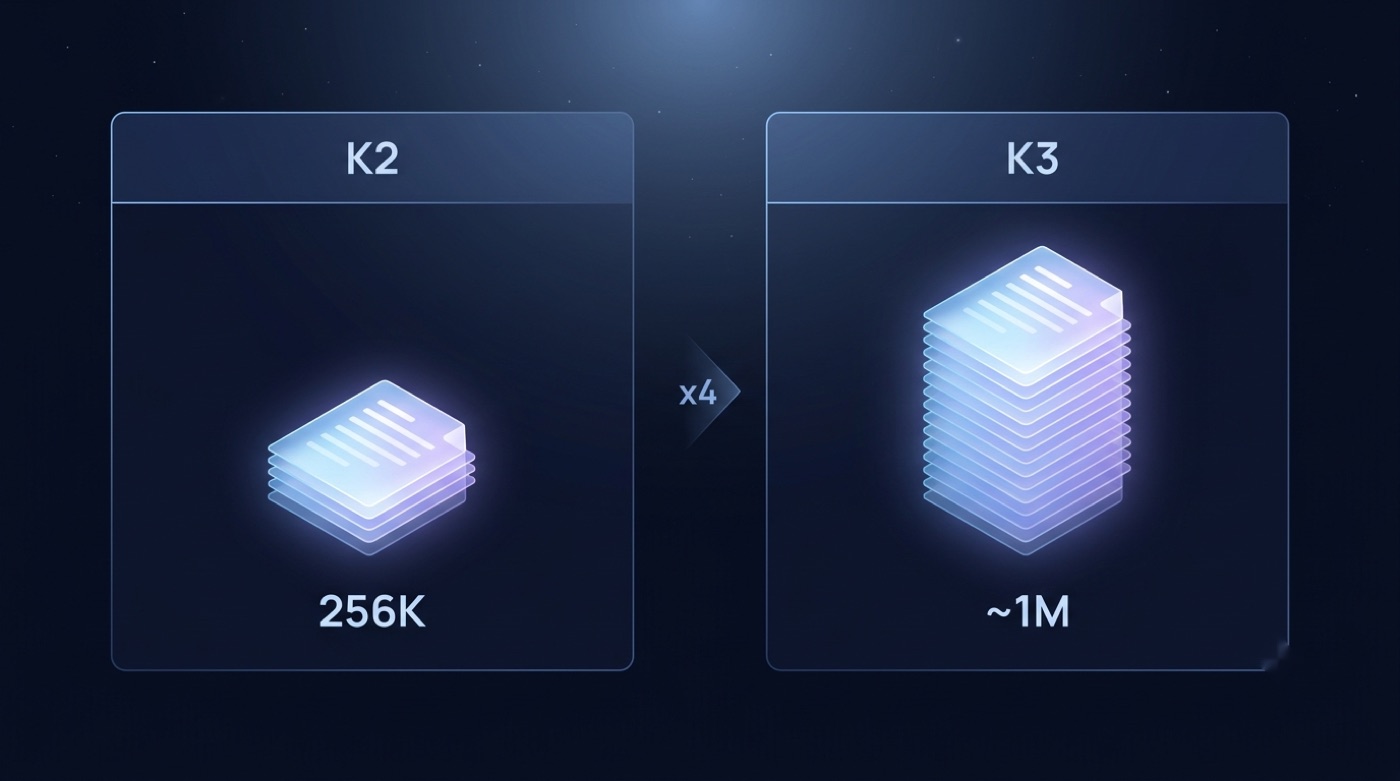
Kimi K2 is K3’s direct predecessor, and per Wikipedia it was released as a 1-trillion-parameter open Mixture-of-Experts model. K2-Instruct, launched in September 2025, doubled the window from 128K to 256K tokens, and K2 Thinking, released that November, supported contexts of up to 256K tokens as well. That 256K baseline is where the “K3 is roughly four times K2” comparison comes from, since reported K3 figures sit around the 1M mark.
Timeline table
The table below summarizes Kimi’s long-context milestones, drawing on Wikipedia for the pre-K3 entries.
| Model / date | Reported long-context capability |
|---|---|
| Kimi (Oct 2023) | ~200,000 Chinese characters per conversation |
| Kimi (Mar 2024) | ~2,000,000 Chinese characters in one prompt (company claim) |
| K2-Instruct (Sep 2025) | 128K → 256K tokens |
| K2 Thinking (Nov 2025) | up to 256K tokens |
| Kimi K3 (Jul 2026) | reported ~1M tokens (verify on official docs) |
Why a long context window matters
Real work that needs the room
A larger window isn’t just a bigger number on a spec sheet — it changes what kinds of work are practical in a single pass:
- Long documents — contracts, research papers, financial filings read whole, not chopped into slices.
- Whole codebases — reasoning across many files without losing cross-file context.
- RAG pipelines — fitting more retrieved chunks into a single call, so answers draw on more evidence.
- Multi-step agents — long tool-use runs that keep earlier steps “in view” instead of losing them.
- Long conversations — extended sessions that don’t force the model to forget how they started.
Moonshot AI frames its broader mission on its official site in a single line:
Seeking the optimal conversion from energy to intelligence.
Moonshot AI
Long context is one concrete expression of that mission — turning a larger compute budget into a model that can hold and reason over more information per request.
The trade-offs to keep in mind
A bigger window is not free. More tokens generally means higher latency and cost, and models can still lose focus on details buried in the middle of very long inputs — a pattern often called “lost in the middle.” Long context complements, but does not fully replace, good retrieval and chunking practices.
Practical limits and tips for using Kimi K3’s context window
Availability can depend on your plan and product
The maximum supported window isn’t automatically what every account or product gets. Launch reporting suggested some tiers or products may expose less than the full window — for instance, a lower tier capped at 256K has been mentioned — so treat plan-level limits as reported and variable rather than fixed. Confirm what your specific account and product actually expose in your settings and in the docs.
Tips to get the most from a long window
A few habits make a large context window more useful in practice, not just larger on paper:
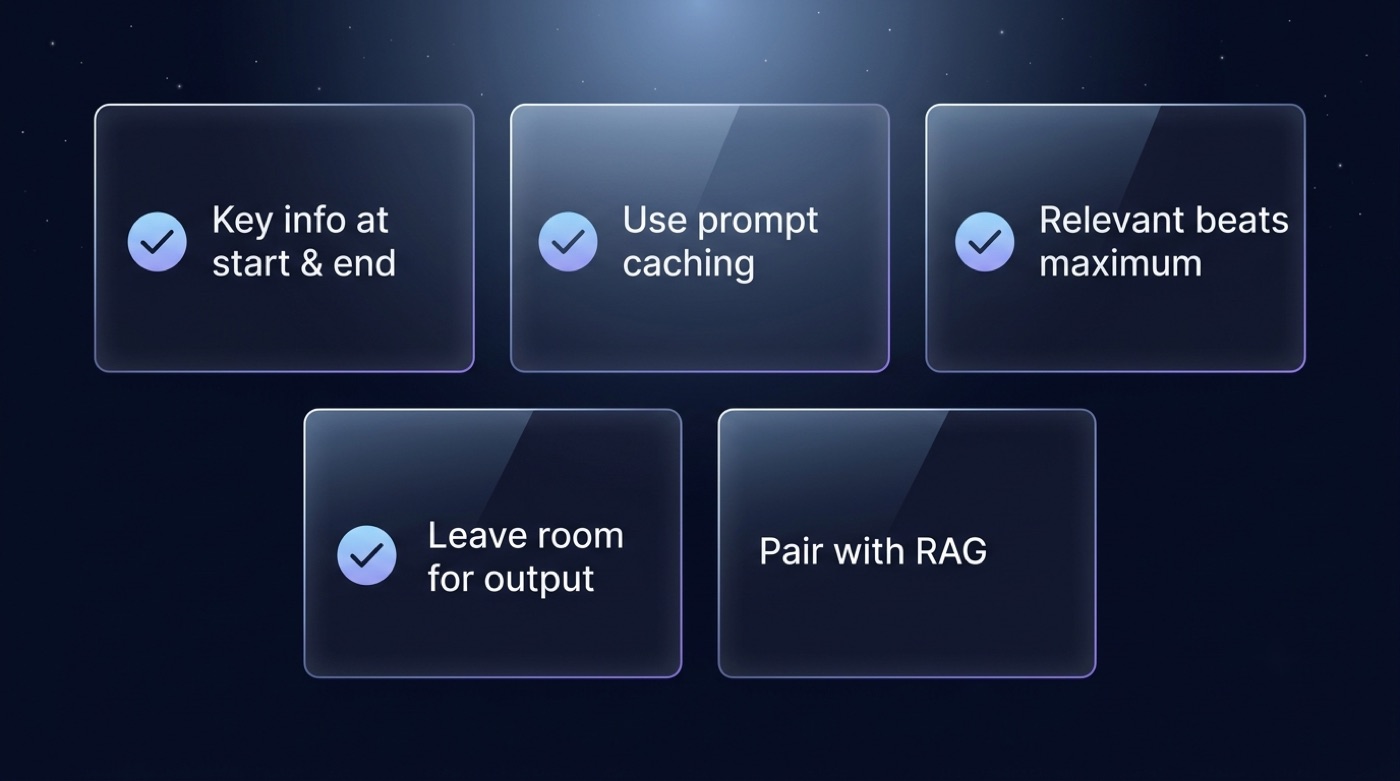
- Put the most important instructions and questions at the start and end of your prompt, not buried in the middle.
- Use prompt caching for repeated large contexts, such as the same codebase across multiple sessions, to cut cost and latency.
- Don’t dump everything into the prompt — relevant context beats maximum context, since noise dilutes attention.
- Remember that output shares the budget: leave room for the answer within the window rather than filling it entirely with input.
- For truly huge corpora, pair long context with retrieval (RAG) rather than trying to paste all of it at once.