
Kimi K3 Features: A Complete Guide to Moonshot AI’s Newest Model
Kimi K3 is Moonshot AI’s newest model, the successor to the widely used Kimi K2. Across its feature set, Kimi K3 follows one consistent through-line: an open-weight Mixture-of-Experts model built for long-context understanding, coding, and agentic work.

Much of the early detail on Kimi K3 comes from Moonshot’s own launch materials and third-party coverage, so treat specific numbers as provisional rather than fixed. This guide focuses on the capabilities that are consistently reported across those sources, rather than repeating any single benchmark score. One note before diving in: kimik3.pro is an unofficial free chat and reference for Kimi K3; it is not affiliated with, endorsed by, or operated by Moonshot AI.
What Is Kimi K3?
Kimi K3 is the newest member of Moonshot AI’s Kimi family and the successor to Kimi K2. It is positioned as an open-weight model — meaning Moonshot has released or announced release of the model weights for public use, a point the company has repeatedly emphasized as core to its strategy. On architecture, it’s best to keep the numbers soft: Kimi K3 is reported to use a Mixture-of-Experts design with a very large total parameter count, though the exact figure varies by source and shouldn’t be treated as settled fact.
Here’s Moonshot’s own framing of the company and its models:
Moonshot AI is committed to becoming the world’s leading AI company, dedicated to expanding the boundaries of human knowledge, harnessing AI to drive breakthroughs in productivity, and advancing societal progress.
Moonshot AI
Kimi K3 at a glance:
- Developer: Moonshot AI
- Family: Kimi, positioned after Kimi K2
- Architecture: open-weight Mixture-of-Experts (MoE)
- Context window: long — widely cited near 1 million tokens (reported)
- Focus areas: coding, agentic tool use, long-context understanding, reasoning
- Access: the Kimi app, Kimi Code for developers, and the Moonshot API
The Kimi lineage: from K2 to K3
Kimi K2 established Moonshot’s reputation as an open-weight MoE model that was strong at coding and agentic tasks, and it built a following among developers who wanted an open alternative they could self-host or fine-tune. Kimi K3 is framed as the next step up in scale and capability along that same line — extending the coding and agentic strengths of K2 rather than replacing them with a different approach. Precise release-date claims beyond “2026” aren’t well established, so it’s fairer to say Kimi K3 was announced in 2026 than to pin down an exact date.
Key Features of Kimi K3 at a Glance
The table below maps each headline capability to what it practically means for someone using the model. The rest of this guide expands on each row.
| Capability | What it means for you |
|---|---|
| Coding | Handles multi-file edits, long coding sessions, and debugging across large codebases |
| Long-context understanding | Reads and reasons over very large documents, codebases, or chat histories in one pass |
| Agentic / tool use | Plans multi-step tasks and calls tools, browsers, or code execution on its own |
| Reasoning | Works through math, logic, and analysis problems step by step |
| Multilingual | Handles many languages, with particular strength in Chinese and English |
| Writing & analysis | Produces long-form writing and summarizes or extracts structure from large inputs |
| Multimodal (vision) | Processes image inputs alongside text for combined visual-and-text tasks |
Coding Capabilities
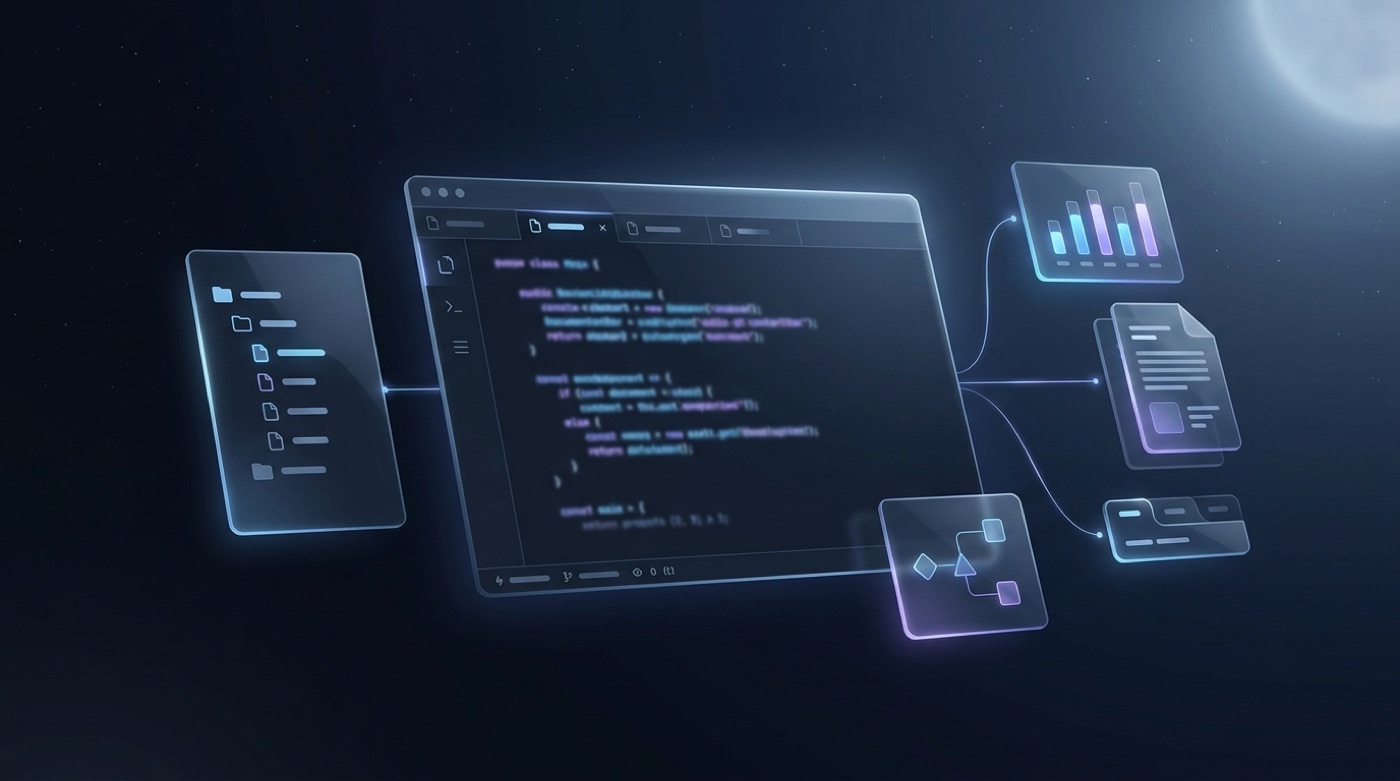
Coding is a headline strength that Kimi K3 inherits and extends from Kimi K2. Moonshot and third-party reviewers report strong results on common coding evaluations, but exact benchmark scores shift between sources and test conditions, so they’re best treated as directional rather than authoritative.
What this looks like in practice for developers:
- Multi-file, repo-scale edits that keep changes consistent across a codebase
- Long-horizon coding sessions that stay coherent through large, multi-step tasks
- Debugging support that traces an issue across related files rather than just the one open file
- Code explanation for onboarding onto unfamiliar codebases
- Integration into coding tools through Kimi Code and IDE or agent setups built on the OpenAI-compatible API
Staying coherent across long coding sessions is the part that distinguishes an agentic coding model from a simple autocomplete. Rather than losing track of earlier decisions in a session, Kimi K3 is designed to keep enough context that a multi-step refactor or feature build doesn’t drift from its original plan halfway through.
Long-Context Understanding
Kimi K3’s context window is widely cited as reaching up to around 1 million tokens, though this figure is best treated as reported rather than a guaranteed, universally applicable limit. A window that large unlocks a different class of task: reading whole codebases in one pass, digesting long PDFs or entire books, working across large sets of documents, or holding a long chat history without losing the thread of an earlier conversation.

The practical caveat is that effective use of very long context varies by task — a model can technically accept a million tokens while still performing better on a well-scoped subset than on the entire input at once. Part of what makes long-context handling more workable at this scale is the Kimi Delta Attention mechanism described in the architecture section below, which is reported to make long-context decoding more efficient.
Agentic & Tool-Use Abilities
“Agentic” describes a model that doesn’t just answer a single question but plans a sequence of steps, calls external tools or functions, uses a browser or code execution environment, and carries a task through multiple stages without constant hand-holding. This is one of the areas where Kimi K3 is positioned to build directly on Kimi K2’s agentic reputation.
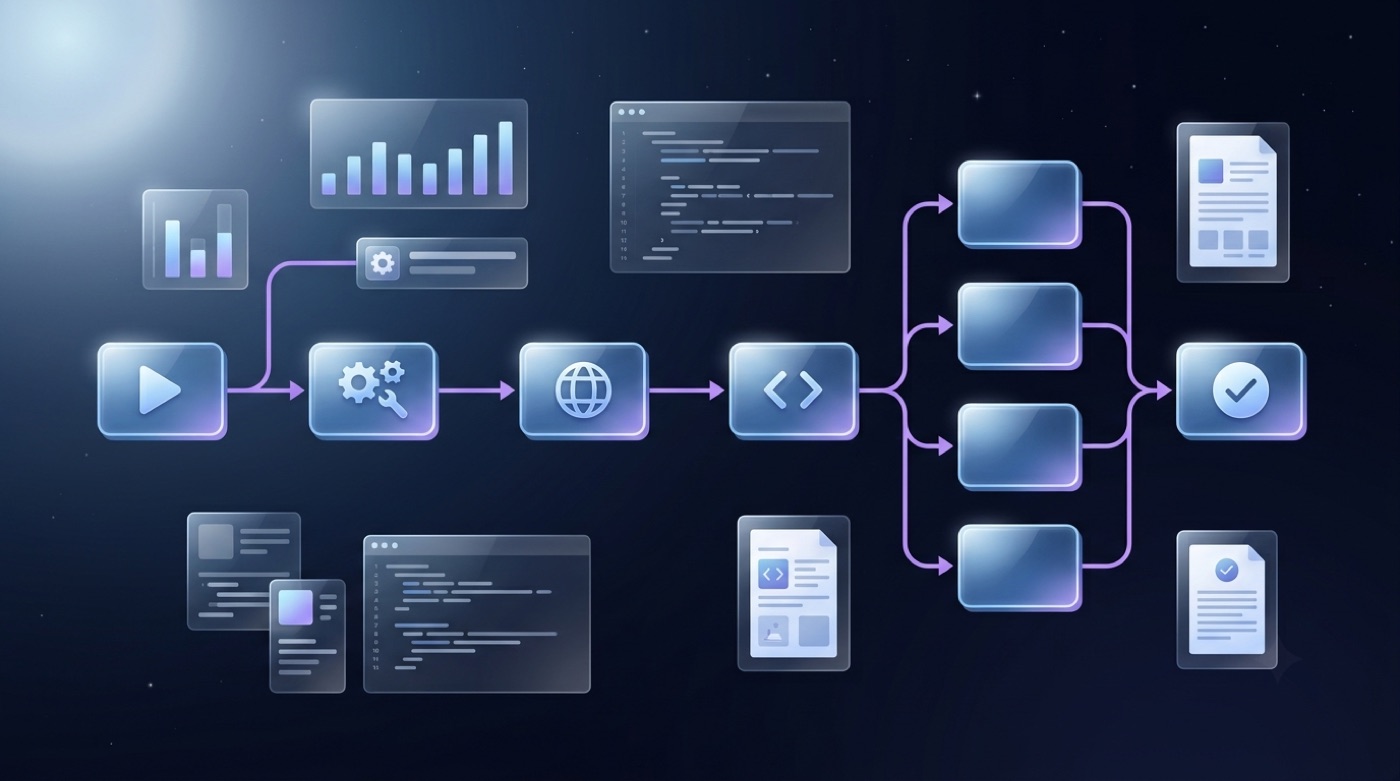
A separate variant, K3 Swarm Max, is positioned for large-scale parallel execution — essentially a configuration aimed at running many agent instances at once rather than a single conversational thread. It’s best understood as a variant positioned for parallel agentic workloads rather than a distinct model with different core capabilities.
Typical agentic workflows this supports:
- Automating multi-step research tasks that require gathering information from several sources
- Browsing the web and summarizing findings into a structured output
- Spreadsheet and structured-data tasks that involve several sequential operations
- Multi-step coding agents that plan, write, test, and revise code
- Tool-calling through a function-calling API for integration into larger applications
Reasoning
Kimi K3 is reported to include an integrated reasoning or “thinking” mode — a capability for working through math, logic, and analytical problems step by step rather than jumping straight to an answer. This should be read as a reported feature rather than a confirmed always-on behavior, since implementation details of when and how the reasoning mode activates aren’t fully public.
Reasoning underpins several of the other strengths covered here. A coding agent that can reason through the implications of a change before writing it is less likely to introduce regressions, and an agentic workflow that reasons about intermediate results is better positioned to catch mistakes before they compound across steps.
Multilingual Support
Kimi models have consistently been strong in both Chinese and English, and Kimi K3 continues that broad multilingual support. Some coverage has cited figures like support for 50-plus languages, but that number comes from a source that’s speculative rather than an official Moonshot specification, so it’s worth treating cautiously — it’s more accurate to say Kimi K3 is reported to support dozens of languages than to cite an exact count.
This matters for global users who need translation support, and for teams doing cross-lingual document work where a single model needs to move between languages without losing accuracy or context.
Writing & Analysis
Beyond coding and agentic tasks, Kimi K3 covers general knowledge-work strengths that make it useful outside a developer workflow.
- Long-form writing. Drafting reports, articles, or documentation that need to stay consistent over many paragraphs.
- Summarization of large documents. Condensing lengthy reports or research papers into a digestible summary without losing key points.
- Data and analysis tasks. Working through structured or semi-structured data to surface patterns or answer specific questions.
- Structured extraction. Pulling specific fields or facts out of unstructured text into a usable format.
These tasks tie back directly to the long-context and reasoning capabilities described above: a large context window means big documents can be analyzed in a single pass instead of being chunked, and the reasoning mode supports more structured, step-by-step analysis rather than a single surface-level pass.
Under the Hood: Kimi K3’s Architecture
At a high level — and without hard parameter or benchmark numbers — three architectural pieces are consistently mentioned in coverage of Kimi K3.
Moonshot publishes its open-weight models through Hugging Face, and its developer documentation is available directly from its own platform:
Moonshot AI is an official organization publishing open-weight models on Hugging Face.
Moonshot AI on Hugging Face
Mixture-of-Experts (MoE) means only a subset of the model’s “experts” activate for any given token, which allows a large total capacity while keeping the compute cost of each individual step manageable. Kimi Delta Attention (KDA) is a hybrid or linear attention mechanism reported to speed up decoding over long context windows, which is part of why the long-context features above are workable in practice.
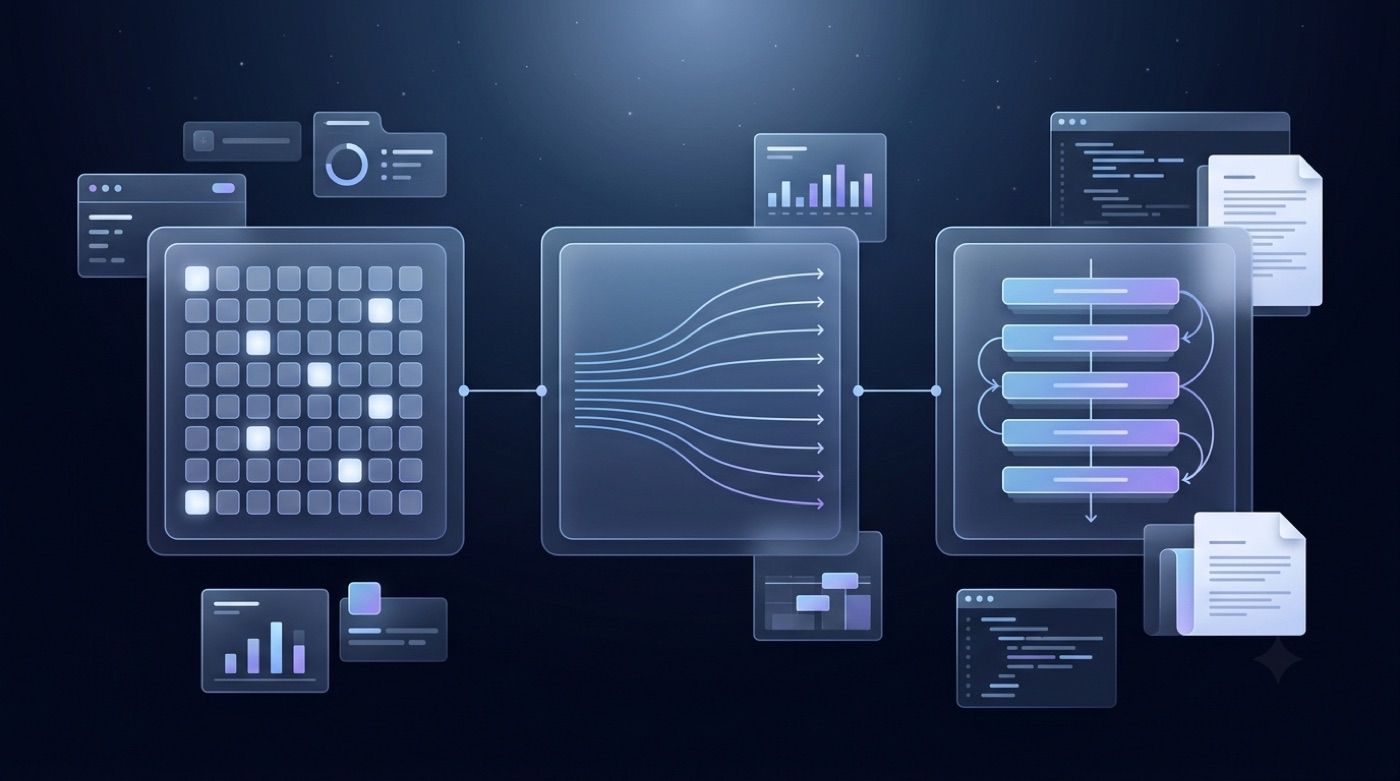
Attention Residuals (AttnRes) is a residual-connection variant reported to improve training efficiency, though the specifics of how it’s implemented aren’t fully public. Being open-weight is meaningfully different from having a fully open training pipeline — it means the trained model itself can be downloaded, run locally, and fine-tuned, subject to whatever license Moonshot attaches to the release, rather than that every detail of how the model was built is public.
| Component | Role in plain English |
|---|---|
| Mixture-of-Experts (MoE) | Activates only some “experts” per token, giving large capacity without proportionally large compute cost |
| Kimi Delta Attention (KDA) | A hybrid/linear attention approach reported to make long-context decoding faster |
| Attention Residuals (AttnRes) | A residual-connection variant reported to improve training efficiency |
| Open weights | Model weights are released or announced for release, letting developers download, run, and fine-tune the model subject to license terms |
Kimi K3 vs Kimi K2: What’s New
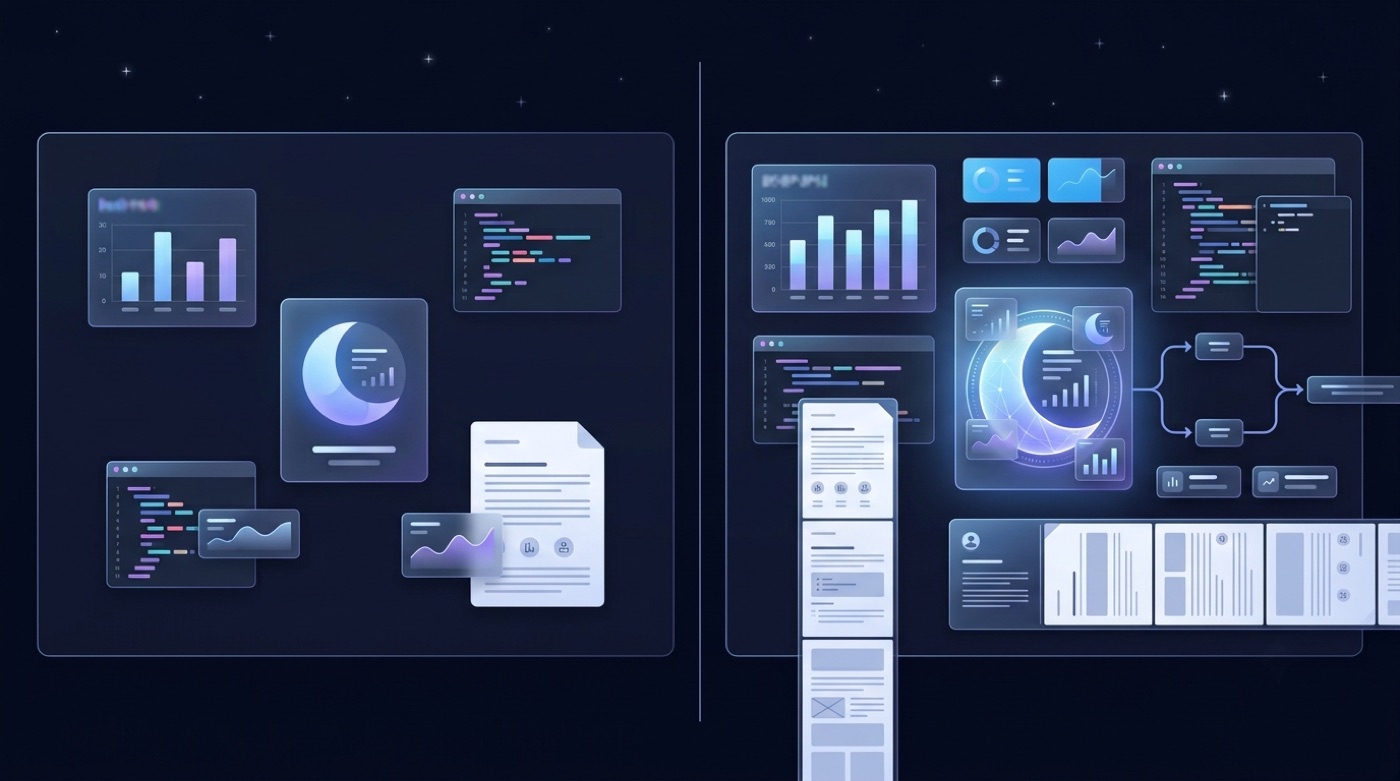
The comparison between Kimi K3 and Kimi K2 is best kept qualitative, since precise numeric deltas between the two aren’t reliably established across sources. What is consistently described: Kimi K3 represents a larger scale than K2, a longer effective context window, a new attention architecture combining KDA and AttnRes, stronger agentic and coding stamina over long sessions, and the addition of the Swarm variant for parallel agent workloads that K2 didn’t have.
| Aspect | Kimi K2 | Kimi K3 |
|---|---|---|
| Scale | Large | Larger |
| Context window | Long | Longer |
| Attention architecture | Standard | KDA + AttnRes |
| Agentic/coding stamina | Strong | Stronger |
| Parallel agent variant | Not offered | K3 Swarm Max |
How to Try Kimi K3
There are a few practical paths to access Kimi K3. The Kimi app at kimi.com is the consumer-facing entry point for chatting with the model directly. Kimi Code is aimed at developers who want the model wired into a coding workflow. The Moonshot API is OpenAI-SDK compatible, so existing tooling built around the OpenAI SDK can typically point at a Kimi K3 model id with minimal changes.
If you’d rather skip setup entirely, you can try Kimi K3 for free through our unofficial chat interface. For teams building on the API, Moonshot publishes current API pricing directly on its platform rather than through third-party summaries, so it’s worth checking platform.moonshot.ai for up-to-date figures instead of relying on a fixed number quoted elsewhere. Open weights also mean that, once released, the model can in principle be self-hosted rather than accessed only through Moonshot’s own infrastructure.
Here’s a short path for getting started, step by step:
- Decide whether you want a quick chat interface or a developer integration.
- For a quick start, open the Kimi app or a free chat interface and start a conversation.
- For coding work, install or connect Kimi Code to your existing IDE or agent setup.
- For programmatic access, check platform.moonshot.ai for current API documentation and pricing.
- Point your existing OpenAI-SDK-based tooling at the Moonshot API endpoint and the relevant Kimi K3 model id.
- Test with a long-context or agentic task first, since that’s where Kimi K3’s reported strengths are most distinct from a standard chat model.
- Review Moonshot’s license terms if you plan to self-host the open weights.
FAQ
More background on Moonshot AI as a company is available on Wikipedia, which tracks the company’s founding and funding history independently of Moonshot’s own materials — see the entry on Moonshot AI.
kimik3.pro is an unofficial free chat and reference for Kimi K3; it is not affiliated with, endorsed by, or operated by Moonshot AI.