
Kimi K3 Pricing Explained: Free Access, API Token Costs, and How It Compares
Wondering what Kimi K3 actually costs? The short answer: you can chat with Moonshot AI’s flagship model for free in the Kimi app, while programmatic access through the API is billed per token — roughly $3 per million input tokens and $15 per million output tokens as of publication (July 2026).
Because Kimi K3 launched in mid-2026 and frontier-model prices change often, this guide focuses on the pricing structure — free vs. paid, how token billing works, and where to verify the current numbers — rather than treating any single figure as permanent. Always confirm live rates on the official pricing page before you budget.
kimik3.pro is an independent informational resource and is not affiliated with, endorsed by, or operated by Moonshot AI. Every number in this article can drift the moment Moonshot updates its rate card, so treat it as a snapshot, not a quote. The two sources of truth are Moonshot’s own properties: platform.kimi.ai for API token pricing and kimi.com for consumer membership plans.
Is Kimi K3 Free? Free vs. Paid at a Glance
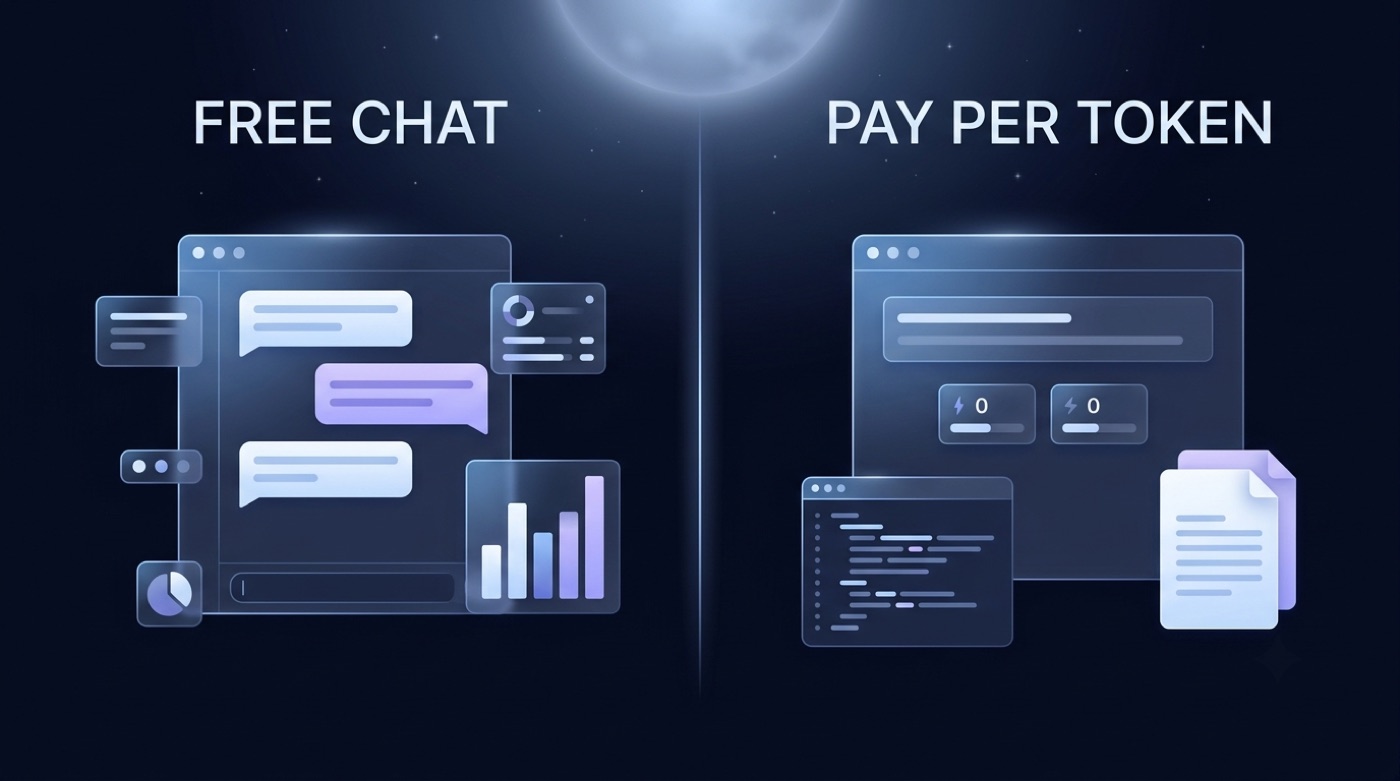
There are two separate pricing worlds around Kimi K3, and they get confused constantly. Consumer chat — the Kimi web and app experience — has a genuinely free tier plus optional paid subscriptions. API access, meant for developers and applications, is metered per token with no free allowance beyond whatever trial credit a given account happens to carry.
The two ways you pay (or don’t)
Before comparing numbers, it helps to separate who each path is built for:
- Consumer chat (Kimi app / kimi.com) — for anyone who just wants to talk to Kimi K3 in a browser or mobile app; billing is a flat monthly subscription, or nothing at all on the free plan.
- API access (Kimi API Platform) — for developers wiring Kimi K3 into products, agents, or scripts; billing is metered per million input and output tokens.
- What each unlocks — chat gives you a conversational interface with usage limits tied to your plan; the API gives you raw model access, context caching, and tools like web search, billed separately.
Quick comparison table
The table below lines up the main access routes side by side. As of publication (July 2026) — verify current figures on the official pages before relying on them.
| Access method | Who it’s for | How you’re billed | Free option? |
|---|---|---|---|
| Kimi app free tier (“Adagio”) | Casual users, everyday chat | $0, with a set allowance of agent credits and database calls | Yes — as of July 2026, verify official page |
| Kimi paid membership | Power users wanting more agent/heavy-task credit | Flat monthly subscription | No, but Adagio tier is free |
| Kimi K3 API | Developers, products, agents | Pay-per-token (input/output per 1M) | No native free tier; some accounts get trial credit |
| Third-party routers (e.g., OpenRouter) | Developers who want a unified multi-model endpoint | Pass-through token pricing, often with a markup | Depends on the router |
Free Ways to Use Kimi K3
The most reliable free path to Kimi K3 is the official Kimi app and web client at kimi.com — no API key, no billing setup, just an account.
Chatting in the Kimi app and web
Signing up for a free Kimi account puts you on the “Adagio” plan at $0, which as of publication reportedly includes a set allowance of agent credits (around 6), one concurrent agent task, and roughly 200 professional database calls — enough for casual, everyday chat without ever entering a card number. That directly answers the most common question people search for — “is Kimi free?” — yes, you can use the official app without paying. Details, current limits, and any regional differences live on Moonshot’s own membership pricing page, which is worth bookmarking since consumer terms shift more often than most people expect.
What the free tier does and doesn’t include
Free access is genuinely free, but it isn’t unlimited in every dimension. Based on what the official plan page reports, expect boundaries roughly like these:
- A modest allowance of “agent” credits on the free plan — reported at around 6 — for heavier, longer-running tasks.
- Just one concurrent agent task at a time, versus more on paid tiers.
- A capped number of professional database calls, reported at roughly 200.
- No access to add-on features like Kimi Code or Kimi Claw on the free plan; those are gated to paid membership.
Treat these as generic shapes rather than fixed numbers — the official page is the only place with current specifics.
Unofficial / third-party free access
You’ll also find third-party playgrounds and aggregator sites offering trial credit to try Kimi K3 without an account on kimi.com. These can be useful for a quick test, but they aren’t official Moonshot channels, and using them means trusting a third party with your prompts and data. If free, no-strings-attached access is what you want, the official Kimi app remains the safer route.
Kimi K3 API Pricing Structure
Once you move from chatting to building something, you leave the subscription world and enter token-based billing. This is where most of the real cost management happens.
How token billing works
If you’ve never paid for an LLM API before, the mental model is simpler than it looks:
- Tokens are roughly word-pieces — a token is often a few characters, not a whole word.
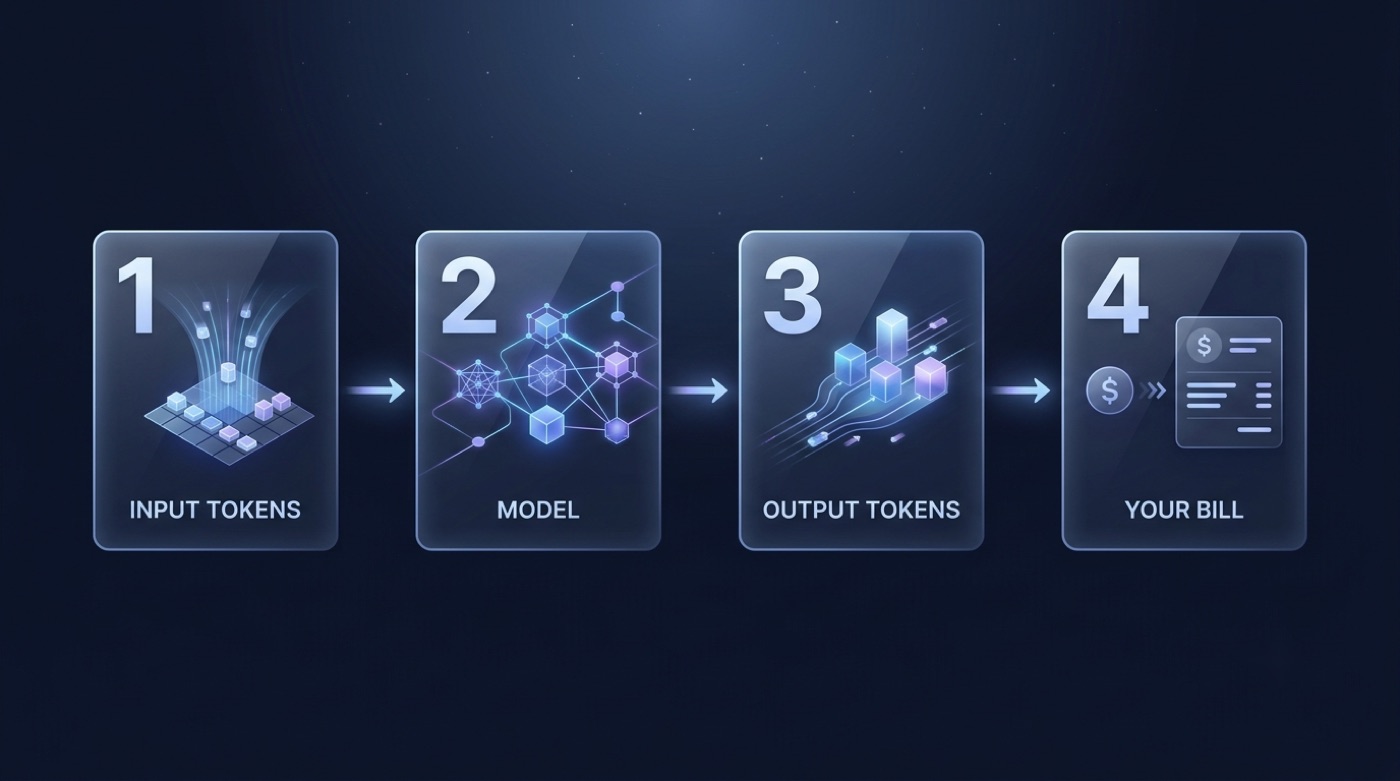
- You pay for input tokens — your prompt, any system instructions, and whatever conversation history or documents you send — and output tokens — the model’s reply — as two separate line items.
- Output tokens are billed at a meaningfully higher rate than input tokens, because generating text costs more compute than reading it.
- Usage is measured and priced per million tokens, so a single short chat message might cost a fraction of a cent, while a long document plus a long reply can add up fast.
The current per-million rates (as of publication)
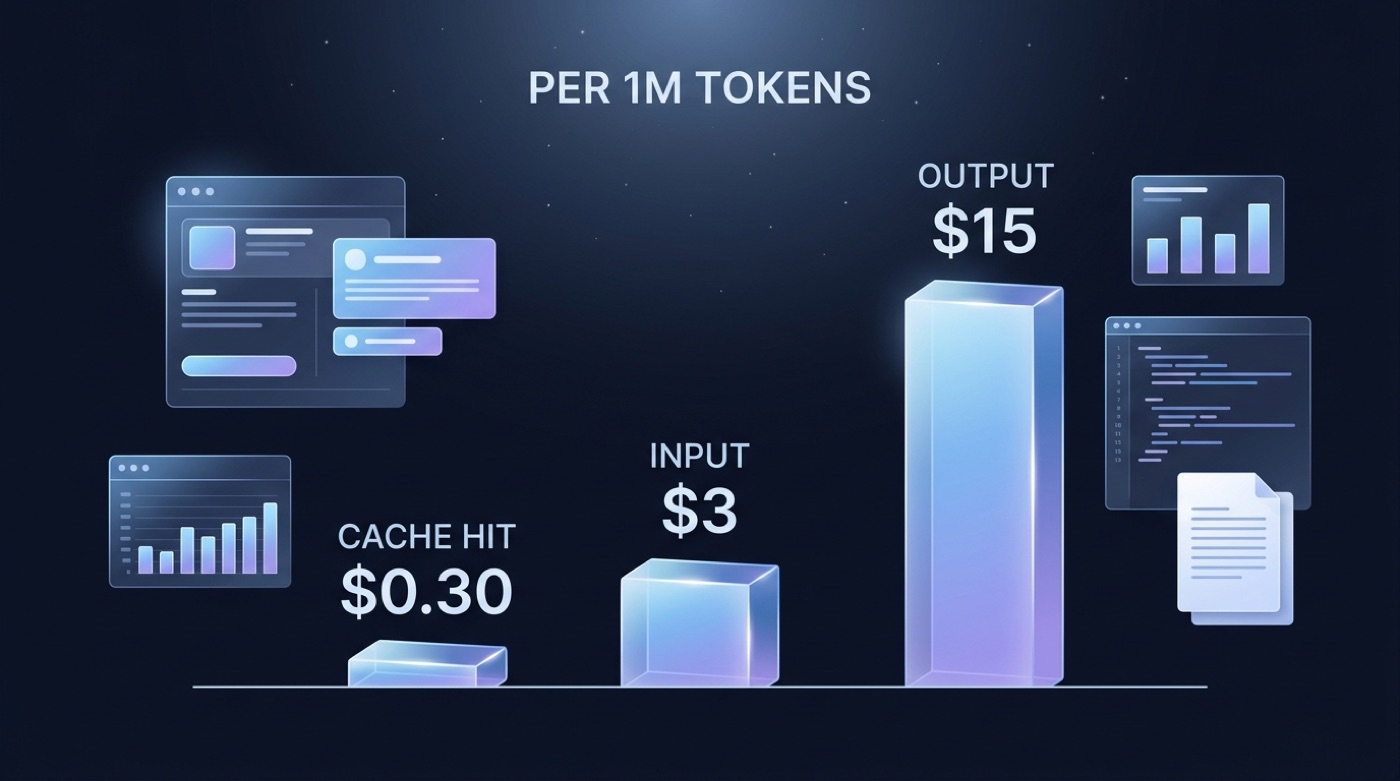
As of publication (July 2026), Kimi K3 API pricing breaks down like this. Rates apply across the model’s roughly 1,048,576-token (1M) context window as a single flat tier — there’s no length-based price stepping the way some competitors use.
| Token type | Rate per 1M tokens (as of July 2026) | Notes |
|---|---|---|
| Input — cache miss | ~$3.00 | Standard rate for new/unrepeated input |
| Input — cache hit | ~$0.30 | Applies to repeated/cached context, roughly 10x cheaper |
| Output | ~$15.00 | Same rate regardless of context length |
Verify current numbers directly at platform.kimi.ai — Moonshot AI updates API pricing periodically, and this table is a snapshot, not a live feed.
Context caching — the discount most people miss
Context caching is arguably the single biggest lever for controlling Kimi K3 API costs. When your requests reuse the same prefix — a system prompt, a large document, prior turns in a conversation — that repeated portion can hit the cache and get billed at the cache-hit input rate instead of the full cache-miss rate. Because the cache-hit rate is reported at roughly a tenth of the cache-miss price, an agent that keeps hammering the same long context can see its effective input cost drop dramatically once caching kicks in.
Extras that add to your bill
The headline input/output numbers aren’t the whole story. Other line items that show up on real invoices include:
- Built-in web search — a separate line item from the core token table when the model uses search to answer a query; at launch the official docs flagged this feature as still being updated, so check the current terms before relying on a specific per-call rate.
- Reasoning effort — Kimi K3 currently runs with reasoning effort set to maximum by default (the API’s
reasoning_effortfield reportedly only supports “max” for now), which means more hidden output tokens even for questions that look simple on the surface. - Long context — every additional token of history, document, or tool output you send counts as input, so verbose prompts or long chat threads raise your bill even before generation starts.
That reasoning-token effect is easy to underestimate. Developer and technologist Simon Willison, testing frontier models with his recurring “draw a pelican” benchmark, ran Kimi K3 through the same small task and reported the token bill in detail:
The model consumed 13,241 reasoning tokens to output 3,417 tokens of response.
Simon Willison
A single-sentence prompt asking for an SVG pelican ended up costing about 25 cents once the reasoning tokens were counted — a trivial-looking task can still burn thousands of hidden output tokens, which is exactly why the sticker rate only tells part of the cost story.
Consumer Subscription Tiers (Kimi Membership)
Outside the API, kimi.com sells a small ladder of monthly membership tiers on top of the free plan, aimed at people who want more capacity in the chat app without touching the API at all.
Monthly plans overview
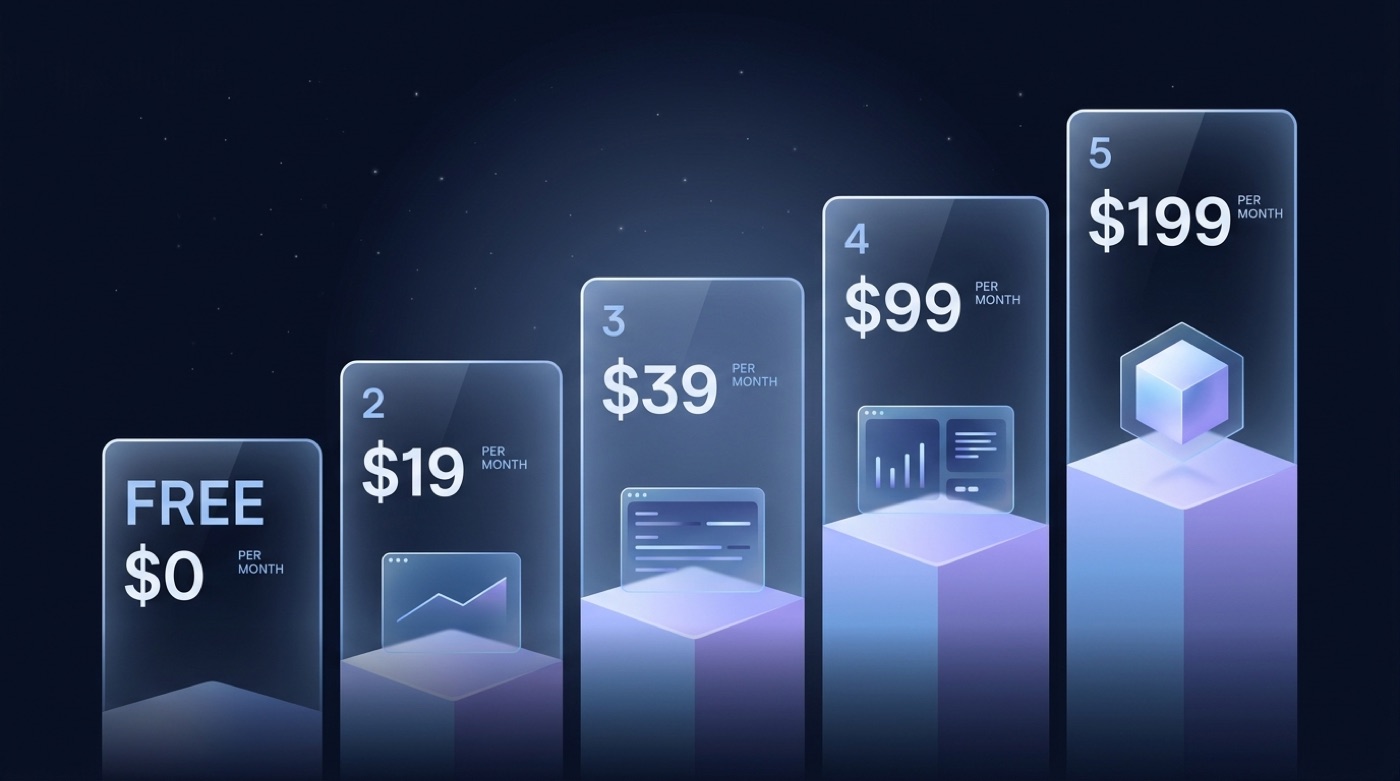
As of publication (July 2026), the reported membership structure looks like this — confirm current pricing and tier names on kimi.com before subscribing.
| Plan | Monthly price (as of July 2026) | Best for |
|---|---|---|
| Adagio | $0 | Casual, everyday chat |
| Moderato | ~$19 | Light regular use with more agent credit |
| Allegretto | ~$39 | Frequent users running longer tasks |
| Allegro | ~$99 | Heavy users, small teams |
| Vivace | ~$199 | Power users needing the largest credit pool |
Annual billing reportedly lowers the effective monthly rate compared to paying month to month, and all paid tiers draw from a single shared credit pool rather than separate quotas per feature. Prices and tier names are exactly the kind of detail that changes — check kimi.com for what’s current.
Subscription vs. API — which should you pay for?
These two payment paths solve different problems, not competing versions of the same one:
- Stick with the free app if you just want casual, everyday conversations with no coding involved.
- Upgrade to a paid membership if you’re a heavy chat user who keeps hitting agent-task or concurrency limits inside the app itself.
- Use the API if you’re building a product, an internal tool, or anything that needs programmatic, batch, or automated access to Kimi K3.
- Combine both if you personally chat with Kimi day to day and also ship an app that calls the API — they’re billed independently.
How Kimi K3 Cost Compares to Other Frontier Models
None of these figures are hard promises — pricing across the frontier-model market moves in both directions, often within weeks of a new release.
Where Kimi K3 sits on price (high level)
At roughly $3 input / $15 output per million tokens, Kimi K3 lands in a similar price band to several other frontier-class models, including Claude Sonnet-class standard rates. Independent benchmark trackers such as Artificial Analysis have reported Kimi K3 as cheaper per completed task than some top-end reasoning models, even where the raw per-token rate looks comparable — because task completion also depends on how many tokens a model needs to reach an answer. Treat any specific cost-per-task figure as a third-party estimate that can shift with the next pricing or model update, and check Artificial Analysis for the latest read.
Total cost is about tokens, not just the sticker rate
Two models with identical advertised per-token rates can still cost very differently per real task, because the bill depends on more than the rate card:
- Reasoning-token volume — a model that “thinks” longer generates more billable output before it ever answers.
- Cache hit rate — how much of your traffic reuses cached context versus paying full price every time.
- Context length — longer prompts and documents mean more input tokens, regardless of the per-token rate.
- Tool use — features like web search add per-call charges on top of the core token bill.
This is the durable takeaway even after today’s specific numbers are out of date: compare workloads, not just headline rates.
Kimi K3 vs. Kimi K2 (generational cost)
Kimi K3 is the successor to Kimi K2 (including the K2.6/K2.7 line), which reportedly ran at lower per-token rates than K3’s current pricing. That’s a fairly normal pattern for a new flagship release — stronger benchmark results tend to arrive alongside a higher price than the model it replaces, at least until competitive pressure or efficiency gains bring rates back down.
How to Check Current Prices and Control Your Spend
Given how quickly this market moves, the most useful skill here isn’t memorizing today’s numbers — it’s knowing exactly where to look and how to keep usage efficient.
Official sources of truth
When you need a number you can actually rely on, go straight to the source:
- API token prices — platform.kimi.ai, Moonshot’s official Kimi API Platform pricing page.
- Consumer subscription plans — kimi.com, the official membership pricing page.
- Company and background context — Wikipedia’s entry on Moonshot AI, useful for understanding who’s behind the model.
Treat any blog number — including the ones in this article — as a snapshot in time, not a live feed.
Practical ways to keep the bill down
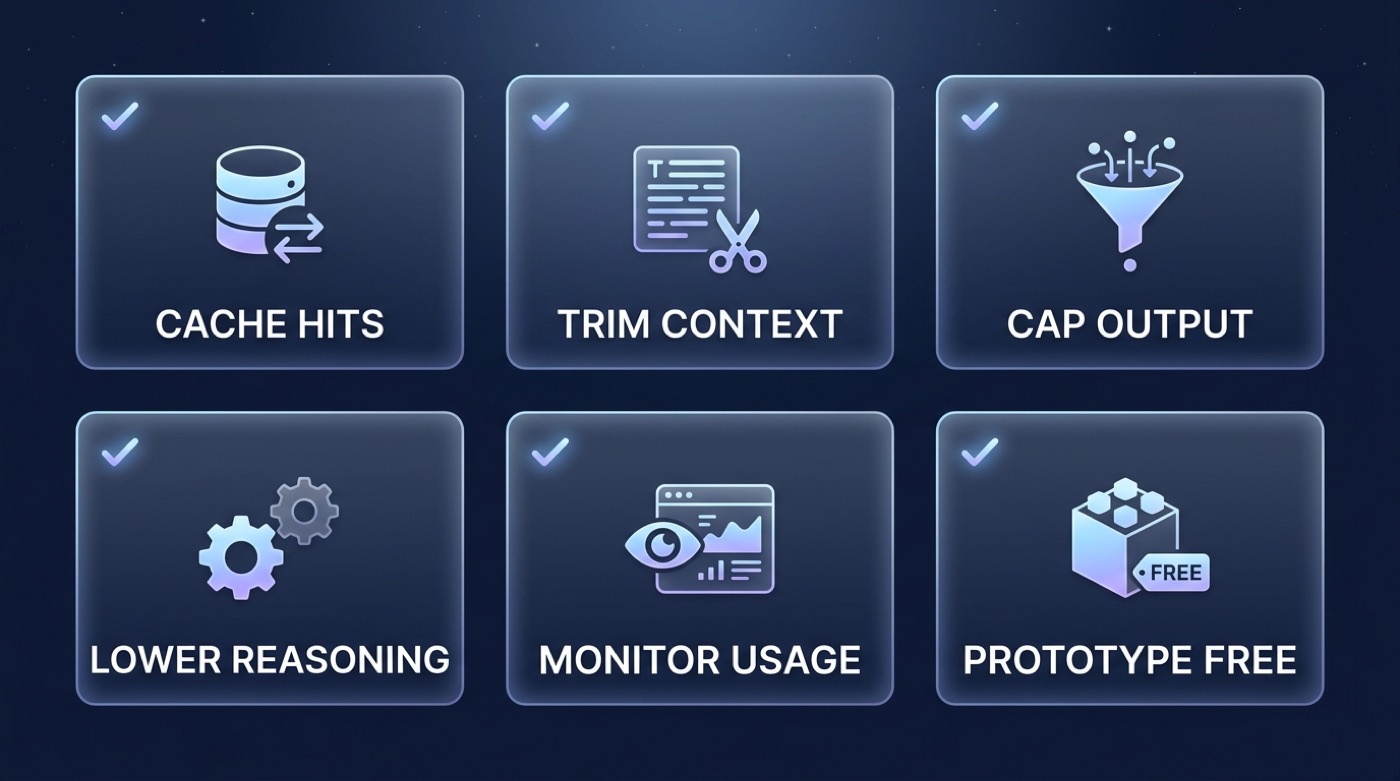
If you’re building against the API, a handful of habits make a real difference to the monthly invoice:
- Keep prompt prefixes stable so repeated context can hit the cache and bill at the lower cache-hit rate.
- Trim unnecessary context — don’t send an entire document when a relevant excerpt will do.
- Cap output length where your use case allows it, since output tokens cost more than input.
- Lower reasoning effort for tasks that don’t need deep multi-step thinking.
- Monitor usage in the developer dashboard regularly rather than discovering cost spikes at the end of the month.
- Prototype on the free app first, then move to the API only once you know the workflow is worth automating.